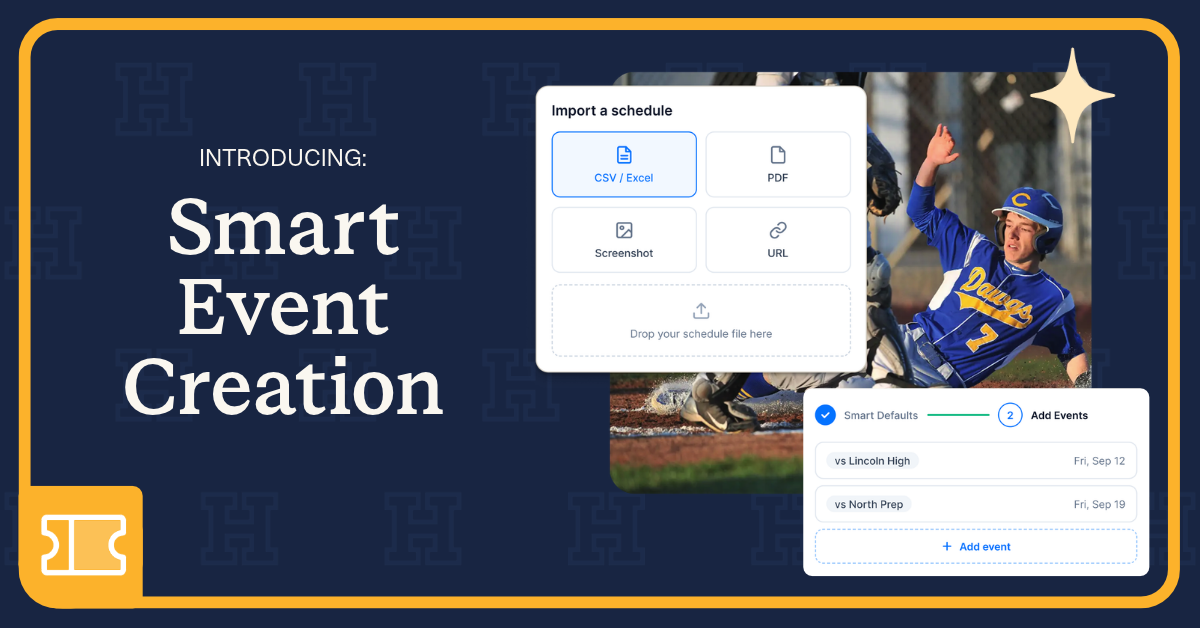
The short answer: events you create in Box Office sync automatically into your Engage website and school mobile app, so a game time is entered once. Everything else, scores, news and roster changes, is posted by a person one time in Engage and appears on both the site and the app without a second entry.Since moving to Engage,
GlenOak High School's athletic department saves roughly two hours a week managing its site. Most of those hours were never really about the website. They went into typing the same postponement into a schedule page, then a social post, then a group text, and still fielding the call from a parent who saw none of them.
If you are the person who makes those updates, the useful question is not whether a school mobile app is worth having. It is which updates take care of themselves and which ones you still have to make.
What syncs on its own
One thing syncs automatically, and it is the one that matters most on a changing schedule. When your school uses Hometown for ticketing, events you build in Box Office sync into your Engage website and app on their own. Set up the game once, in the place you were already going to set it up to sell tickets, and it appears in both places for families.
Inside Engage, your website and your app run on the same content. Post a roster update once and it is live on the site and in the app. You are not maintaining two versions of the same information, which is the part that usually breaks first in a busy week.
What a person still enters
Scores are typed in by a staff member. So are news posts, galleries and roster changes. Nothing is pulling your final score off a feed, and it is worth saying that plainly, because a staff member who expects scores to appear by themselves will leave them blank.
That is a smaller job than it sounds, and it is one job rather than three. The win is not that the work disappears. It is that it happens once, in one place, by whoever is closest to the information.
- Entered in Box Office, appears everywhere: games, event times and ticketed dates.
- Entered in Engage, appears on the site and the app: scores, rosters, news, photo galleries.
- Still a separate action, on purpose: sharing an update to Facebook or X, which Engage posts when you choose to.
Who can make the update
Worth planning around before you roll it out: Engage uses a single permission level. Everyone who can edit has the same access, so decide who holds it and how a coach gets a score posted on a Friday night when that person is at an away game. Most departments settle this by naming one person per sport rather than opening it to everyone.
It runs through one Hometown login, so there is no separate tool for the app and the site. For a department where the person updating is a coach between practices, that matters more than any feature on the list.
What families get on their phones
The app is Android and iOS, carries your logo, colors and mascot, and holds rosters, schedules, scores and news in one place. A family downloads it once in August and keeps it through the spring.
Streaming works the same way the rest of it does, by connecting what you already use. Engage does not supply a stream. You link your preferred provider, NFHS Network, Hudl or YouTube among them, and the stream embeds on the team page.
What stays separate
Be straight with your staff about the limits, because the gap between what people expect and what happens is where the complaints come from.
The ticket itself lives in the Fan App, not in your Engage app. Box Office and Engage keep separate logins and separate reporting, and your business office would not want a single merged ledger anyway. What connects is the event, entered once. That is the connection worth having, and it is the only one to promise.
Frequently asked questions
Do I have to enter a game time twice?
No, as long as your school sells tickets through Box Office. Events you create there sync automatically into your Engage website and app. If a game is not ticketed, you add it in Engage, and it still only goes in once for both the site and the app.
Does the app update scores by itself?
No. A staff member enters the final score, and it publishes to the website and the app together. There is no automatic score feed, so decide in advance who posts scores for each sport and the updates will be there.
Can coaches and the athletic director have different levels of access?
Not at the moment. Engage has a single permission level, so everyone who can edit has the same access. Most departments handle it by naming one person per program rather than giving the whole staff an account.
Is the mobile app included with an Engage website?
No. Hometown lists it as an add-on mobile app solution for a fee, available as a paid add-on to your Engage website. Pricing is not published on the site. Hometown puts together a proposal tailored to your district's needs and budget, so ask for the app and the site quoted together.
What to do next
- List every place a schedule change currently gets typed, including the group text and the social post.
- Check whether your ticketed events are already built in Box Office, since that is what feeds the site and the app on its own.
- Name one person per sport who posts scores, before the season rather than during it.
- Read how other departments handled the rollout in five lessons from schools that launched an app, and how the same content reaches more fans on the website side.
If your website, app and ticketing are still three separate jobs, here is what it takes to get them aligned.
Bring the schedule change that caused you the most trouble last season, and we will walk through where it would have been entered and where it would have shown up. Book an Engage demo and we will start there.