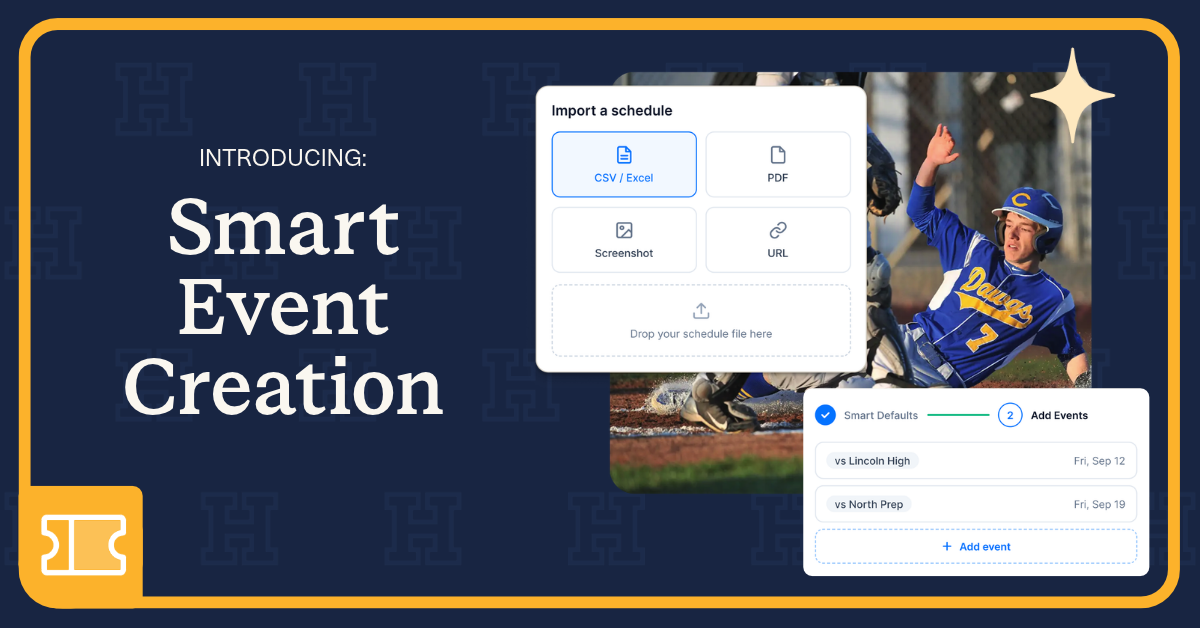
The Smart Event Creation Tool in Box Office, our ticketing and event management solution, helps you build a full schedule of ticketed events in minutes instead of hours. Set your details once, upload the schedule you already have, and review every event on one screen. Your work saves as you go.
It's the latest step in Hometown's work to make event management faster and easier for the athletic directors, activities directors, and department secretaries who keep school events running.
Your whole schedule of events, on sale in minutes. The Smart Event Creation Tool in Box Office turns the schedule you already have, even a screenshot or PDF, into ticketed events. Set your details once, review every event together on one screen, and publish. What used to take hours, can now be done in minutes. Plus, your work saves as you go so you can finish on your own time.
No more late nights retyping dates, times, and ticket prices one event at a time. Smart Event Creation is built for the athletic directors, activities directors, performing arts directors, coordinators, and department secretaries who keep school events running and want tools that help them work smarter, get tickets on sale sooner, and spend more time with students.
Why is Hometown upgrading event creation?
Most event management software still asks you to build a schedule one event at a time. Hometown keeps looking for new ways to give time back to the people who run school events, and event creation was a natural next step.
Until now, building a schedule in Box Office meant creating each event on its own or copying a past event to reuse its details. Both work, but they still ask you to handle one event at a time.
So we asked a simple question: what if Box Office could handle the repeat work for you, across your whole schedule? The Smart Event Creation Tool is our answer.
What does the Smart Event Creation Tool do?
The tool adds a short, guided setup that handles the repeat work for you. Here's what each part does, and why it matters for your day.
Smart Defaults: set it once, and Box Office remembers
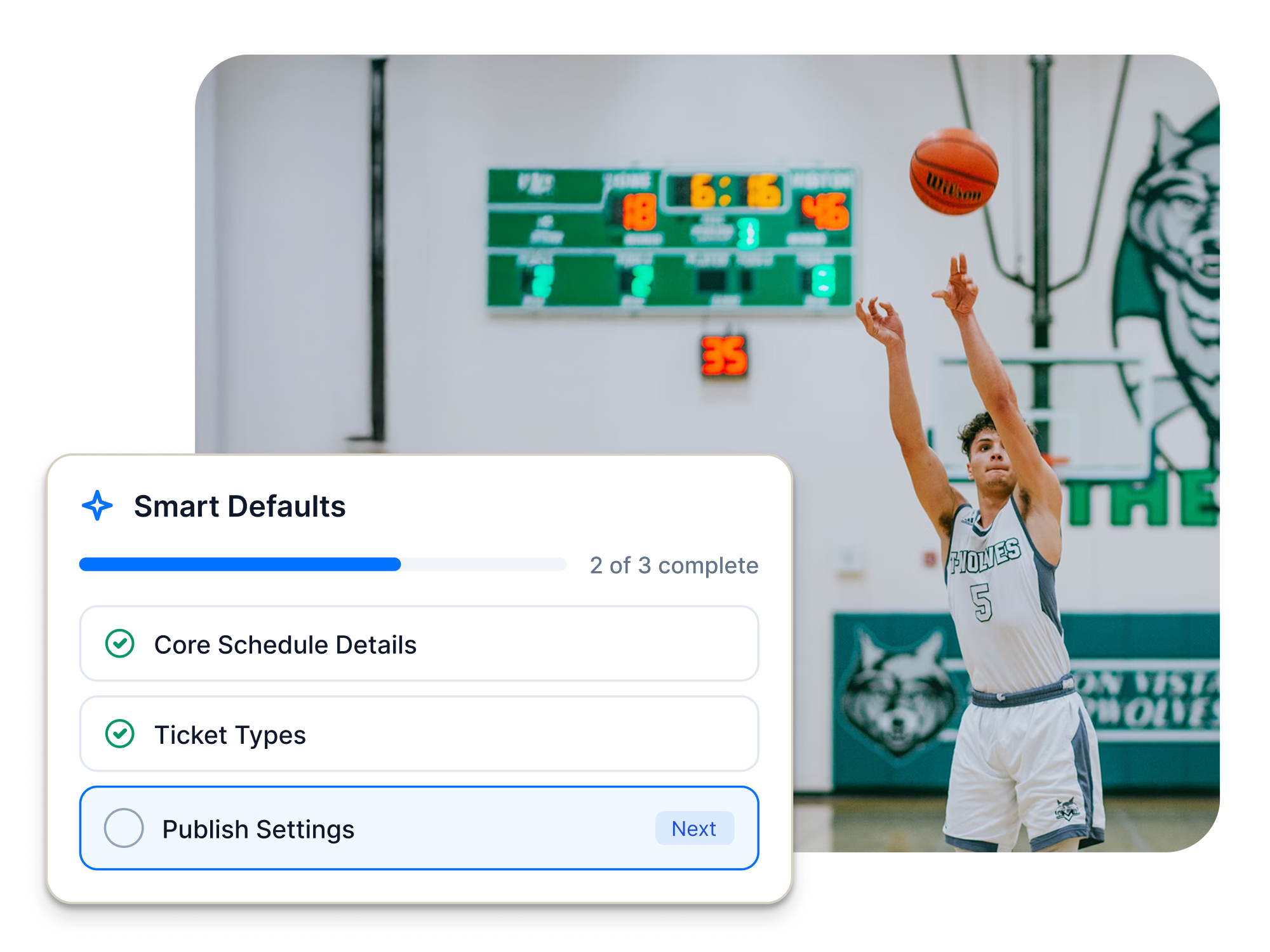
Plenty of details repeat from one school year to the next: core schedule details, ticket types, and publish settings. With Smart Defaults, you enter them once. Box Office applies them to every new event you add, so you can stop retyping the same information and keep every event consistent.
Schedule Importer: from screenshot to schedule
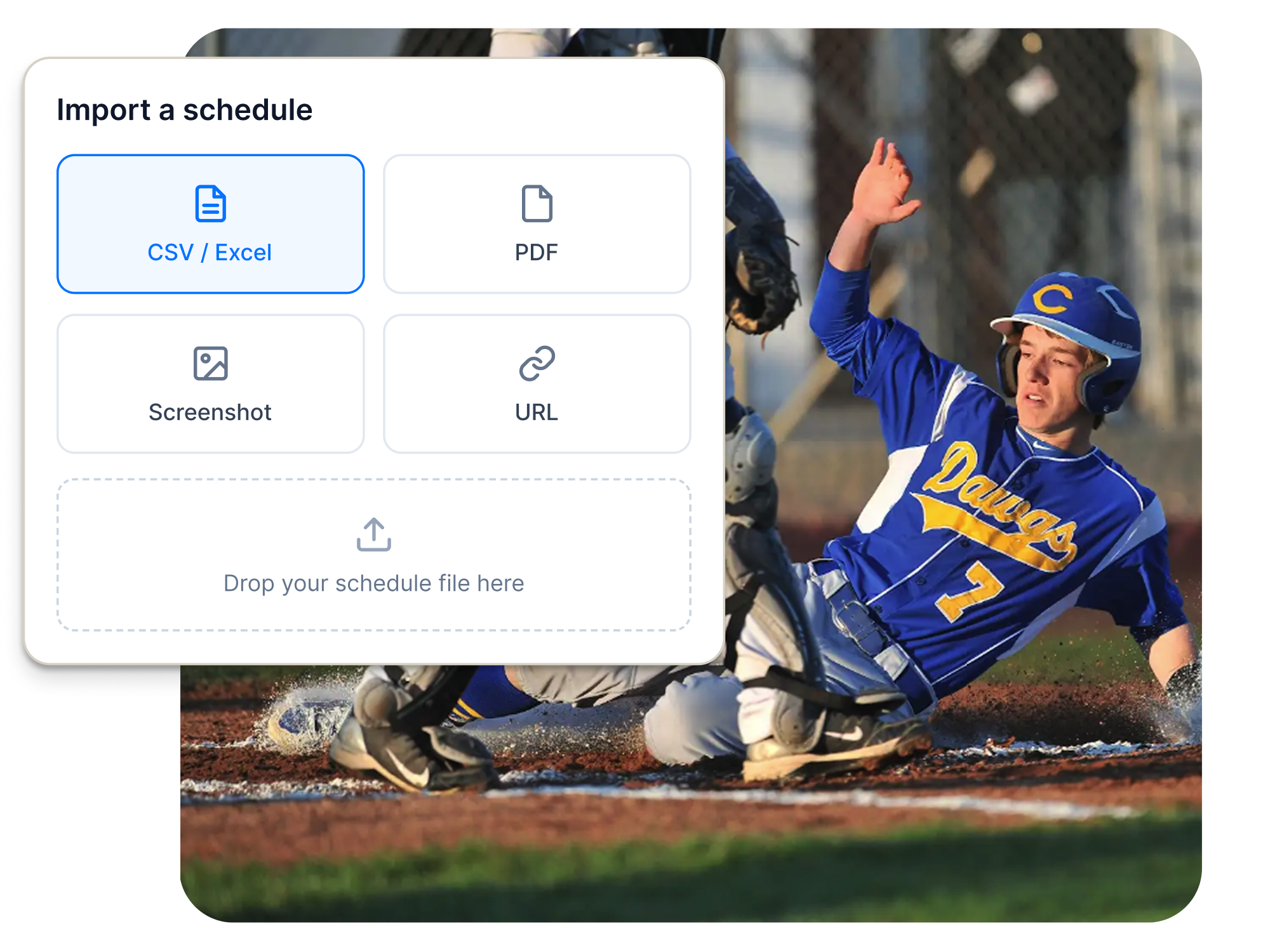
Already have your schedule as a spreadsheet, PDF, screenshot, or link? Upload it. The Schedule Importer reads the file, finds every event on the list, and lets you review them before anything posts. It works from the file you already have, so you can go from schedule in hand to tickets on sale without typing each event by hand.
Continuous Saving: step away without losing work
Schedules rarely get built in one sitting. A parent calls, a bus time changes, a meeting runs long. Continuous Saving keeps everything you've entered, so you can close the tab, walk away from your desk, and pick up right where you left off.
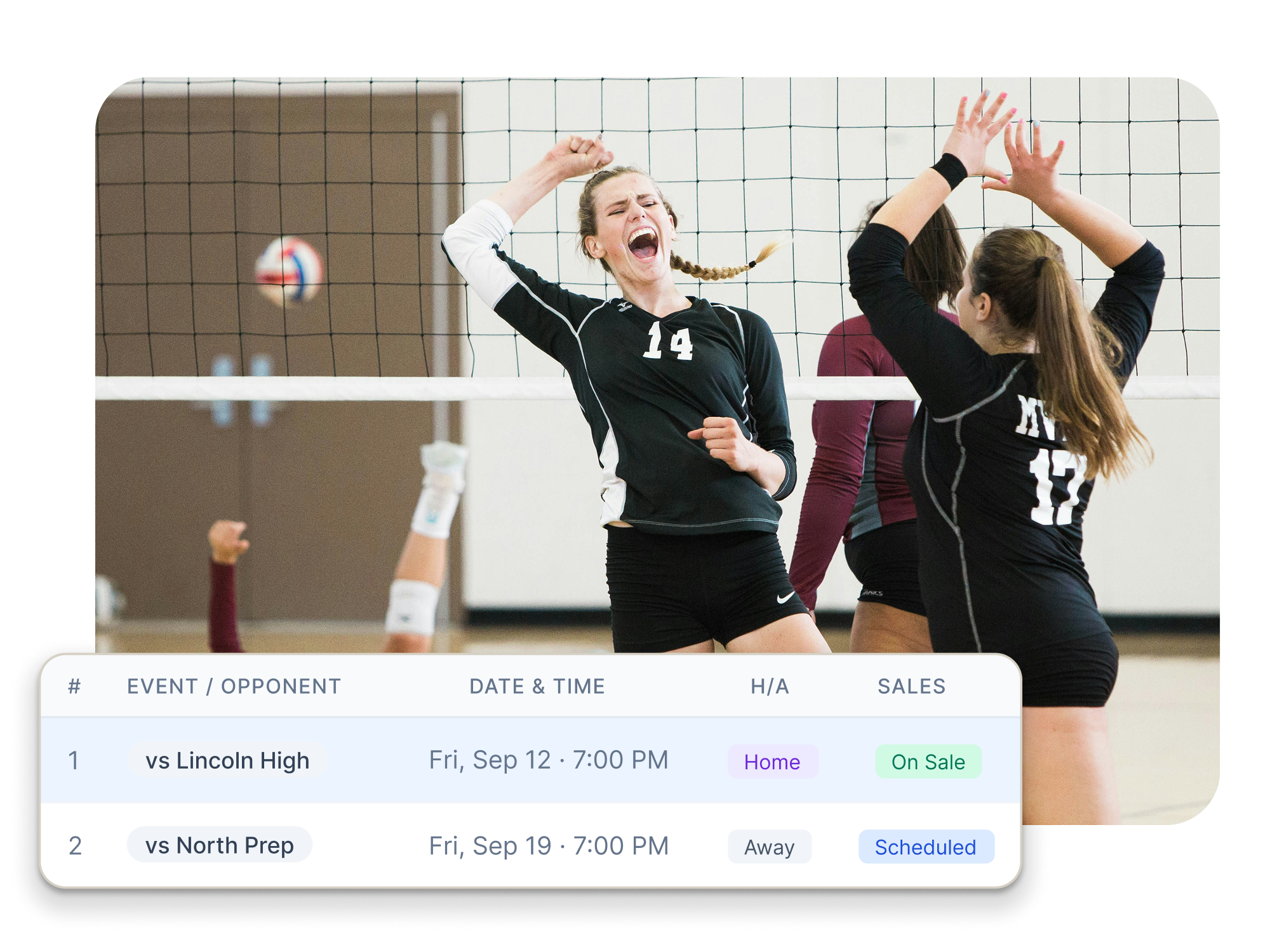
The Schedule View: your full schedule on one page
The Schedule View shows every event for a team or program on one easy-to-read page, including dates, times, home or away, and whether tickets are on sale. Need to change something? Edit the event right from the schedule.
Bundled Events: one ticket for the whole night
Freshman, JV, and Varsity playing back to back at the same venue? Sell one ticket that covers all three. Families buy once, and gate workers scan once, so lines move faster.
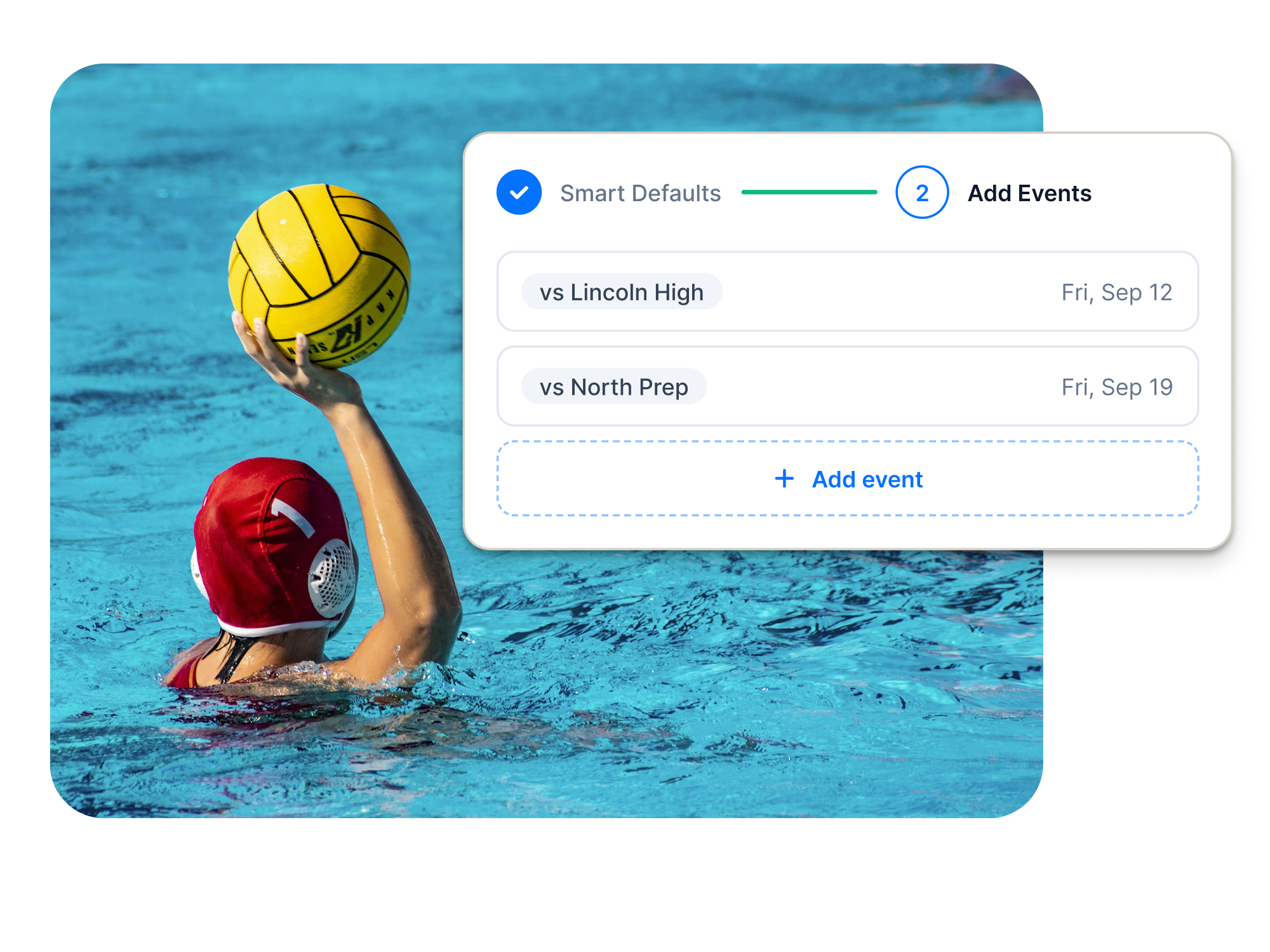
One-off events: room for everything else
Not everything fits a regular schedule. Think senior night, a band showcase, a pep rally, or a community movie night. You can still add one-off events quickly whenever you need them. If you can imagine it, you can name it and sell tickets for it.
What does faster event setup mean for your school community?
Time is the biggest win. Less time on setup means more time for coaching, directing, and showing up for students.
You also get consistency. When every event starts from the same Smart Defaults, your details stay accurate from the first event to the last.
And families can buy tickets sooner. If your school uses Engage, our athletic website solution, the events you create in Box Office appear on your Engage website and app automatically. Enter an event once, and fans can find it in both places. Any results you add to an event will also post to your Engage team page.
Frequently asked questions about Smart Event Creation
Is Smart Event Creation only for athletics?
No. It works for any schedule of ticketed events, from games and meets to concerts, plays, student activities, and community events.
Does the Schedule Importer connect to my scheduling software?
The Schedule Importer reads a schedule you already have, like a PDF, spreadsheet, image, or screenshot. Because it doesn't pull from a third-party scheduling system, there's no integration to set up and no extra vendor to depend on. Your scheduling system stays where you plan the season, and Smart Event Creation gets those events on sale faster.
If I change my Smart Defaults, will my existing events update?
Not at this time. Changes apply to the new events you add. You can still update any single event from the Schedule View.
Will Hometown help me get my first schedule loaded?
Yes. Hometown will help you upload your first schedule. Reach out to your account manager or our support team for assistance.
How do I get the Smart Event Creation Tool?
Smart Event Creation is available to all Hometown Box Office users, at no additional fee. If you’re interested in early access to the tool, please fill out this form and a Hometown expert will reach out with next steps.
This feature enhancement is just one more step in how Hometown keeps making event management easier for schools, and we're not done yet. Have an idea for what's next? Share it with our product team at product@hometown.com. Your feedback helps shape what we build.
New to Hometown and ready to explore the platform?
Witness the power of Smart Event Creation and more on a personalized demo with a Hometown expert. Book your meeting to get started.