
.png)
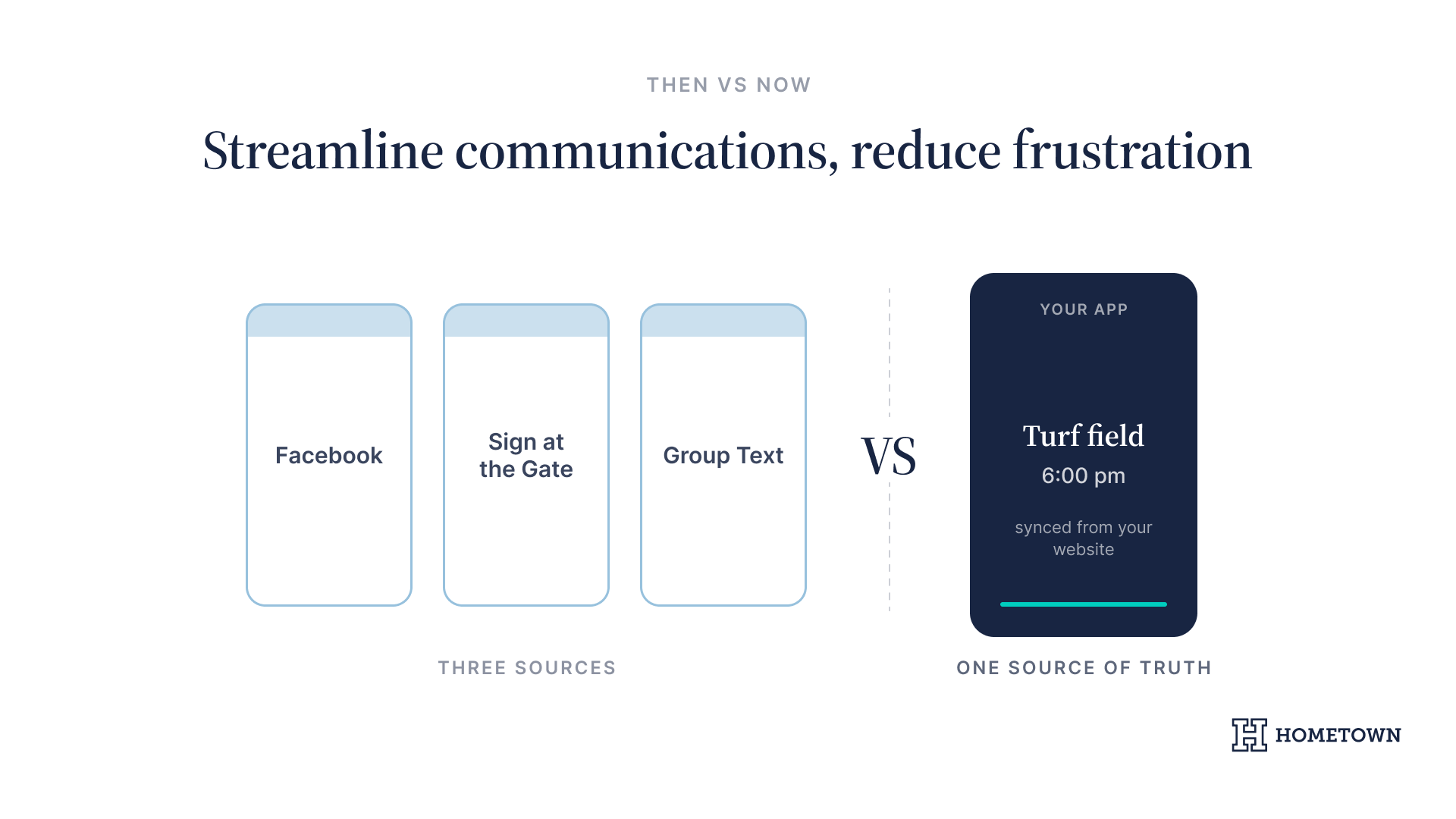
A parent is standing in a parking lot at six on a Thursday, trying to work out whether the game moved to the turf field. She checks the school Facebook page, then the sign at the gate, then a group text from last season. Three places, three answers, none of them current.
Many athletic directors deal with exactly that kind of fragmentation, where parents and fans struggle to find basic game times or scores across disjointed platforms. A school-branded mobile app solves this by creating a central hub, professionalizing your program without requiring technical expertise from your staff or raising new data security concerns.
The short version: a school-branded mobile app puts schedules, scores, tickets, and announcements in one place your families already carry, and it syncs from the same source as your website so nothing contradicts. Your staff updates once and it publishes to both. Below are five lessons from athletic departments that have already made the move.
The problem with fragmented communication
When information lives in too many places, the work for your department grows quickly. We have found that relying on generic web portals often leads to outdated information and frustrated families. Parents shouldn't have to hunt through three different channels just to find a venue change, weather update, or kickoff time. In many cases, schools also need a reliable parent communication app to ensure that non-athletic updates reach families just as effectively.
5 Lessons from Athletic Departments That Launched a School-Branded Mobile App
Lesson 1: Eliminate the hidden cost of manual data entry
Manual updates are the enemy of a lean athletic department. When scores and schedules aren't synced, staff members spend hours re-entering data across multiple sites. At GlenOak High School, the switch to Engage gave the athletic office back roughly two hours a week that had been going into managing their website. This duplicated effort often results in errors that confuse the community and increase the volume of phone calls to the front office. A dedicated athletic mobile app eliminates this friction by pulling data from a single, reliable source.
Lesson 2: Understand why a website alone is not enough
While a website is a necessary foundation, it is often a passive experience. A parent checking a start time has to remember to visit the site. In contrast, a mobile app provides an active connection to your fans. Branded apps provide a centralized place for team management, offering real-time updates that foster deeper community engagement than static web pages can provide. For schools looking to modernize their entire digital footprint, an athletic department website serves as the anchor for this engagement.
Why a school-branded mobile app changes the fan experience
Moving to a dedicated mobile app shifts your program from a generic digital presence to a professional brand. It allows you to own the fan experience. You control the journey from the moment they check a score to the moment they enter the stadium. We have seen how this professionalization helps ADs maximize their impact. This requires a specialized engagement funnel that guides supporters from initial interest to active participation.
Lesson 3: Leverage real-time scores and updates
Real-time score sharing is the most direct line you have to your fans. Whether it is a weather delay or a final score, you post once and it appears in your app and on your website together. Sharing that same update to Facebook or X is a separate step, taken when you want it. This real-time connection keeps your community informed even when they aren't at the game, and it turns administrative chaos into connection.
Lesson 4: Build brand pride with a custom look
Your school identity should be front and center. A custom-branded app uses your colors, logos, and mascots to build brand pride. When fans open the app, they see your program, not a third-party advertiser's brand. Noah Dockus, Assistant Athletic Director at GlenOak High School, described their Engage site this way:
"Hometown Engage has that professional sports team feel to it. You can always find the 'Buy Tickets' button in the top corner of our website."
This professional look is exactly what many districts use to build a consistent image across all their athletic programs. Keeping the same website setup across the district holds those branding standards in place at every school in the system.
No-code solution for busy staff
We know that athletic directors, coaches, teachers, and school staff don't have time to become web developers. Our solution is designed to be no code. This means anyone on your staff can manage content with zero technical training. Dockus said the same of the back end at GlenOak: "It is just drag and drop," adding that a staff member could learn Engage in a day. The goal is to make digital management as easy as sending a text message.
Lesson 5: Update once, publish to your app and website
Engage allows you to update a schedule or score in one place. It will then reflect across your app and website at the same time. This prevents the conflicting information that often causes problems for fragmented programs. Establishing a branded athletic website checklist alongside your app ensures a cohesive digital ecosystem for your department. This extends to extracurriculars too, covering performances and gallery events alongside athletics.
Staff-friendly editing tools
- Log in to the management dashboard from any device.
- Enter the final score or news update.
- Hit publish, and the update appears in your app and on your website at the same time.
Connecting the ecosystem: ticketing inside the app
A school-branded mobile app is most effective when it serves as a one-stop shop for all fan needs. Because the app draws on the events already in your Box Office dashboard, you can put ticket buying where your fans already are. Schedules sync from the same source, so your staff never enters them twice.
Direct links to digital ticketing
Fans can purchase tickets and season passes directly through the app. You manage these events in your Box Office dashboard, and they import into your website and mobile app automatically. This eliminates the need for them to navigate away to a separate ticketing site and reduces friction at the gate. When ticketing is this accessible, you remove a step between a fan deciding to come and a ticket being bought, and gate revenue is what funds equipment, travel, and meals for your student athletes.
How Hometown helps
A dedicated app moves you from managing software to managing your program. Our team works alongside your staff to ensure your branding is consistent and your data is synced correctly. By bringing your ticketing and schedules into the same hub as your website and app, we help you maximize gate revenue and community engagement at the same time.
Ready to start
- Audit your current communication channels to identify where fans are getting lost.
- Schedule a demo to see how a school-branded mobile app fits your program.
- Launch your app before the next season to maximize fan engagement.
Discover how other athletic departments have successfully streamlined their operations and boosted fan engagement using Hometown success stories.
Ready to see Hometown in action? Book a demo with our team.

.png)
.png)