
Parents text you asking what time the game starts. The schedule is on your site, buried in a PDF from last season.
The short answer: Building a school-branded athletic website takes six steps: claim your own domain, pick a builder that connects to your ticketing and fundraising, design mobile-first, automate schedule and roster syncing, embed your revenue tools, then launch it to your community. Done right, it removes most of the weekly data entry.
Here are the six steps, in order.
Step 1: Claim a school-branded domain
Your domain is the front door. A generic district subdomain buries your program and makes game times harder to find. Your own domain says the program is run well before anyone reads a word.
Domain checklist
- Keep it short and memorable (e.g., [SchoolName]Athletics.com)
- Use standard .com or .org extensions for better search visibility
- Avoid using hyphens or complex strings of numbers
- Ensure the domain is owned by the school or district, not a personal account
Step 2: Choose a builder that integrates
You need more than a page host. Pick a builder that connects to your ticketing and fundraising tools, so a schedule change or a new game gets entered once instead of three times. Engage syncs events straight from Box Office, which is the integration that saves the most weekly hours.
Step 3: Design for mobile first
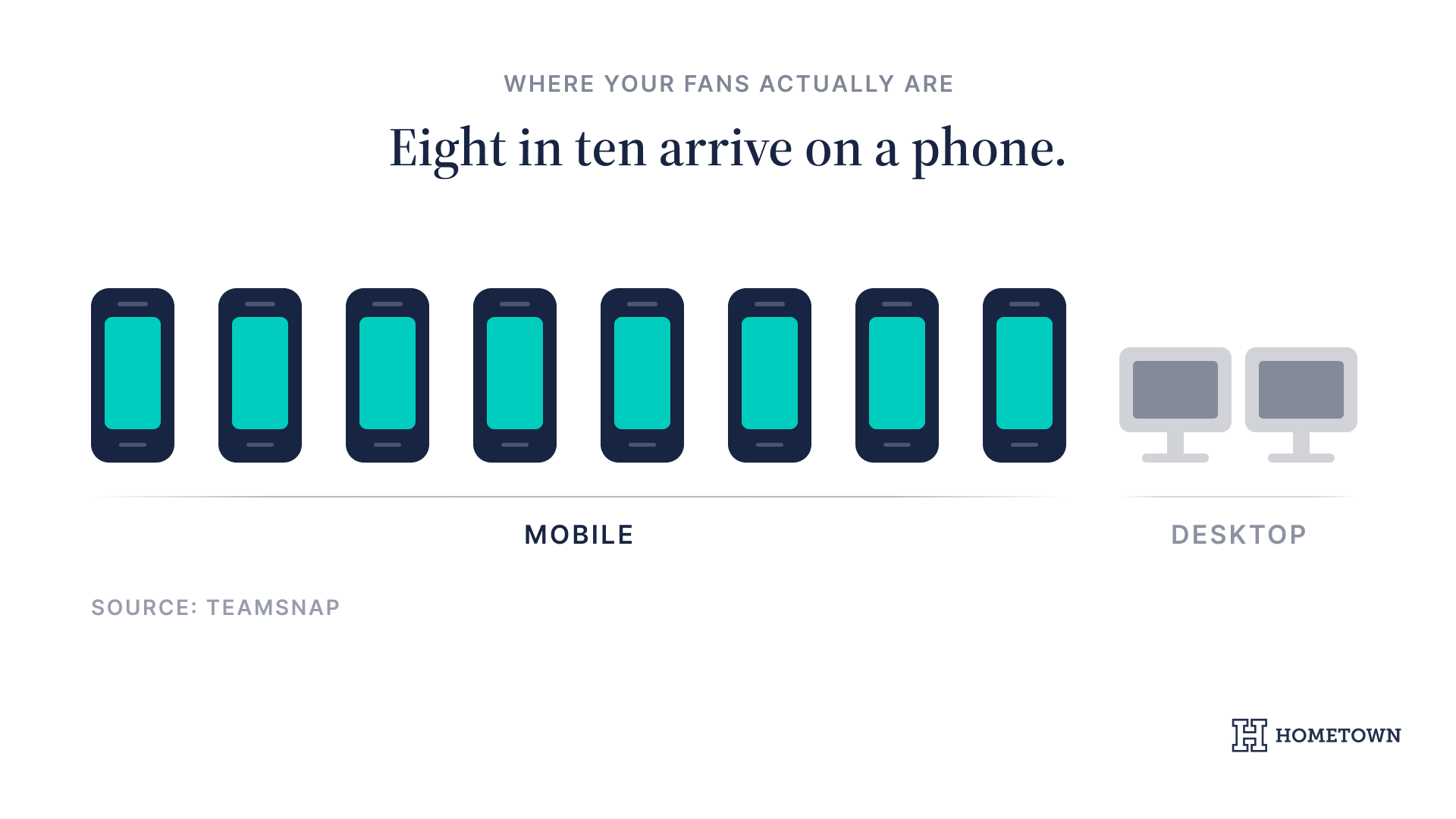
Your site gets read from the bleachers and the parking lot. If it isn't built for a phone first, most of your community gets the worst version of it.
Pew Research Center puts smartphone ownership among U.S. adults at 91%, and reliance on a phone for internet access is highest in lower-income households.
For some of your families, the phone is not the convenient option, it is the only one. A site that only works properly on a desktop shuts them out.
Step 4: Sync schedules and rosters
When a game gets postponed, you should update it once. Four platforms means four chances to miss one, and one wrong time on the site means a dozen texts.
- Connect your primary scheduling software to the website back end
- Set up automated roster imports for each varsity and JV team
- Enable real-time score reporting features for coaches
Step 5: Integrate your revenue streams
Your site should sell. Connect Box Office so fans buy tickets and season passes without leaving your domain, and embed Schoolfundr campaigns on the same page. Every extra click between a fan and a digital ticket costs you a sale.
Step 6: Launch and tell your community
A site nobody knows about does nothing. Push the new address everywhere your families already are.
- Post the link on all school social media channels
- Include a QR code in the physical game program
- Send a mass email through the district business office
- Use dedicated apps to send push notifications for the first home game
Why Hometown?
- One system: Engage for the website, Box Office for ticketing, Schoolfundr for fundraising.
- Less data entry: update a schedule once and it appears everywhere.
- Your brand: a school-branded domain and design, not a vendor's template.
GlenOak High School rebuilt its athletic site on Engage and now saves roughly two hours a week managing it. Several schools in their league switched after seeing the result.
"Hometown provides us with simple and effective solutions to both everyday challenges and complex problems, and helps us keep everything running smoothly."
Roderick Smothers, Assistant Athletic Director, Alabama A&M.
What to do next: the Athletic Director's readiness audit
- Check your current site on a smartphone. Can you find a schedule in two clicks?
- Review how much time you spend manually updating rosters each week.
- Check whether your ticketing and fundraising live on your domain or a vendor's.
- Read how other athletic directors handled the rebuild in Hometown's success stories.
A site that works as hard as you do pays for itself in hours saved. Ready to simplify the workflow? Book an Engage demo with our team to see how unified digital tools can transform your program.

.png)